Legal publishing
MANZ
MANZ uses Haystack for a legal research experience that brings retrieval, orchestration and source verification together.
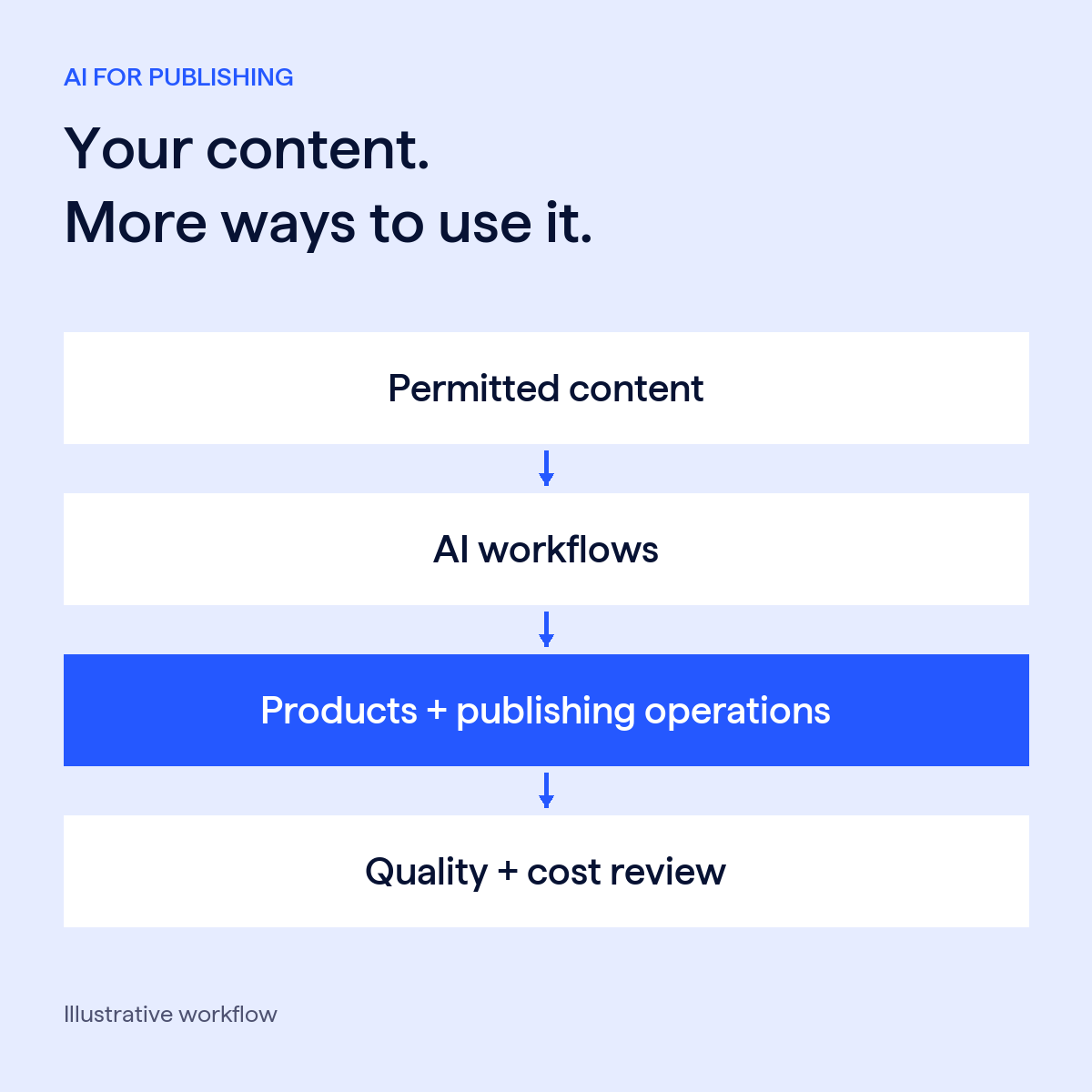
Explore the MANZ story →Build AI discovery, question-answering and content workflows around your catalog. Start with a defined customer or team need, then evaluate the experience before expanding.
One valuable workflow. Clear quality standards.

Help customers find and explore relevant material across your permitted content collections.
Configure summaries and extraction for a defined publishing task, with expert review where needed.
Explore classification and metadata workflows that help teams organize and reuse their content.
Publishing in practice
Legal publishing
MANZ uses Haystack for a legal research experience that brings retrieval, orchestration and source verification together.
Explore the MANZ story →News publishing
ZEIT ONLINE uses Haystack to help readers explore its archive through questions, summaries and links to source articles.
Explore the ZEIT ONLINE story →Subscription intelligence
YPulse built customer-facing AI products around its articles, reports and data, creating new ways for subscribers to use its content.
Read the YPulse story →On-demand webinar
Hear from YPulse and deepset about bringing AI products to market, customer engagement and business value.
Watch the publishing webinar →Examples from legal publishing, news and subscription intelligence. Each application reflects the customer's own content, workflows and requirements.
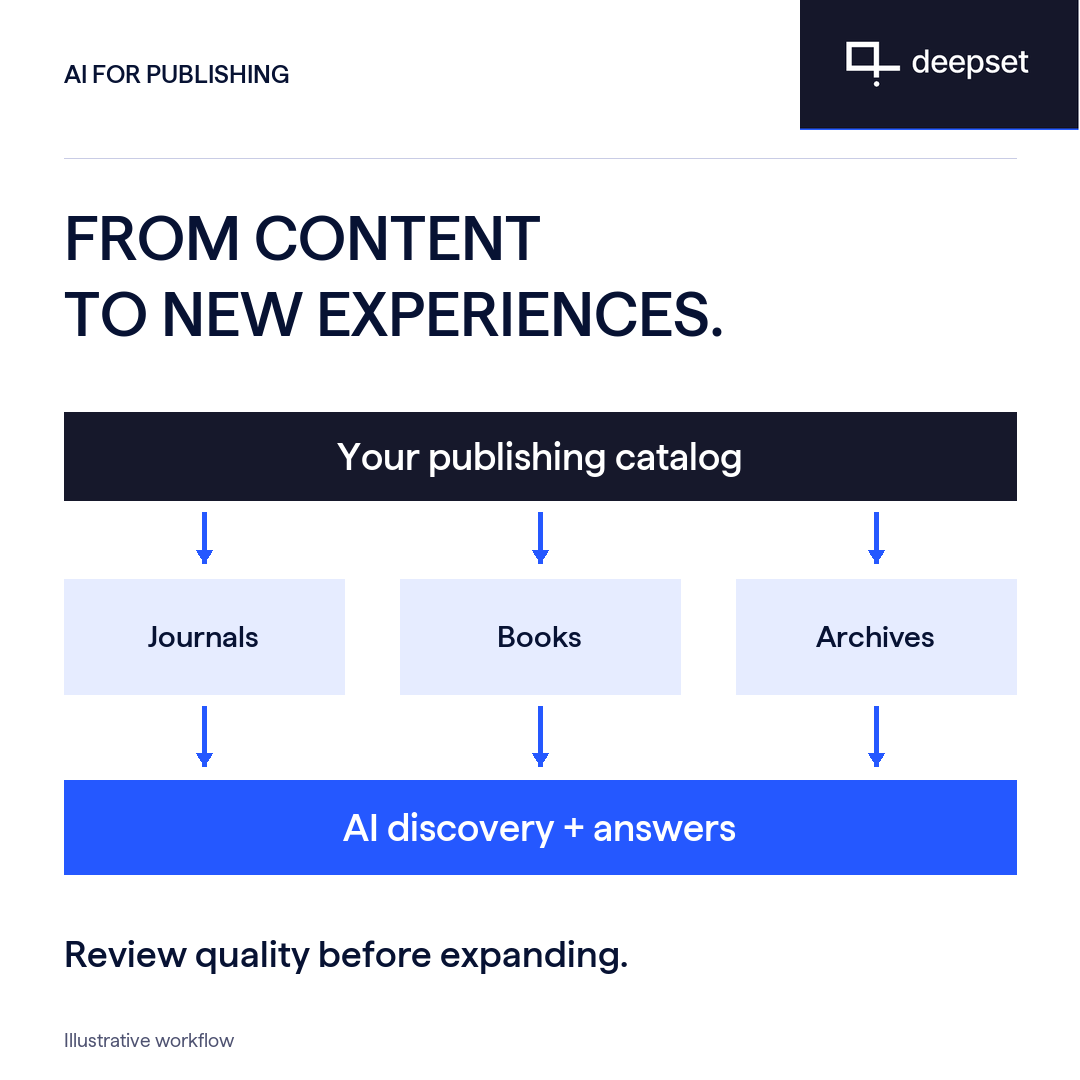
Help customers discover and use more of your catalog through AI search, answers and tailored content experiences. Evaluate usefulness and source support against the standards your team sets.
Build discovery and question-answering experiences across permitted collections. Present supporting references so customers can explore the source material.
Configure summarization, extraction or enrichment for a defined task. Give editors and subject experts a review step where the workflow needs one.
Test representative tasks and failure cases with your team. Track whether the experience meets customer needs before adding more content or users.
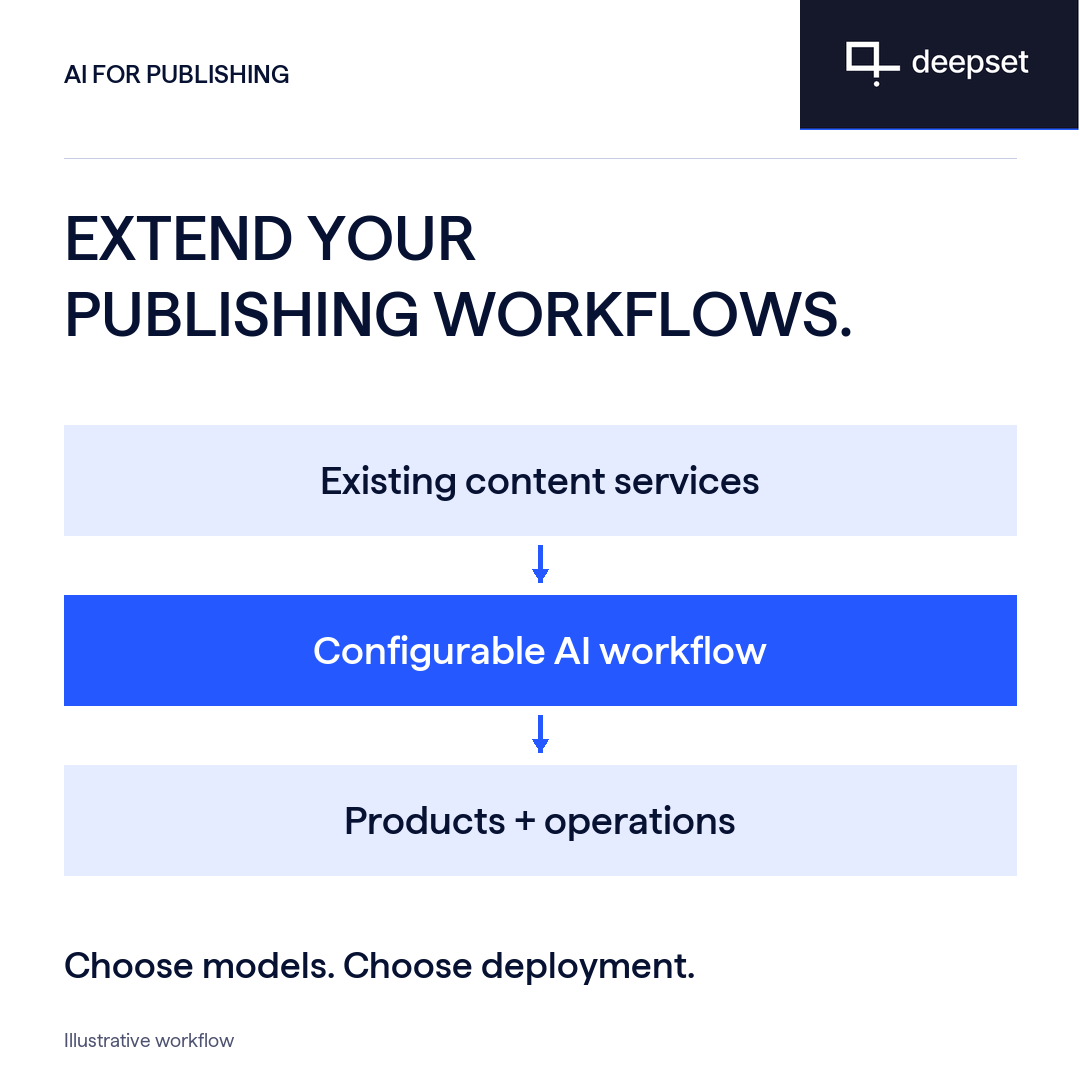
Extend workflows around your existing content services. Configure models and deployment for your application, with content permissions and customer access defined by your publishing requirements.
Use configurable pipelines and APIs to connect retrieval and generation. Assess authentication, content access and integration requirements for each service.
Compare candidate models and change providers as your requirements evolve. Review provider terms and data flows for each application.
Use managed cloud or self-hosted deployment. On-premises and air-gapped options support specific infrastructure requirements; air-gapped applications use locally hosted models and services.
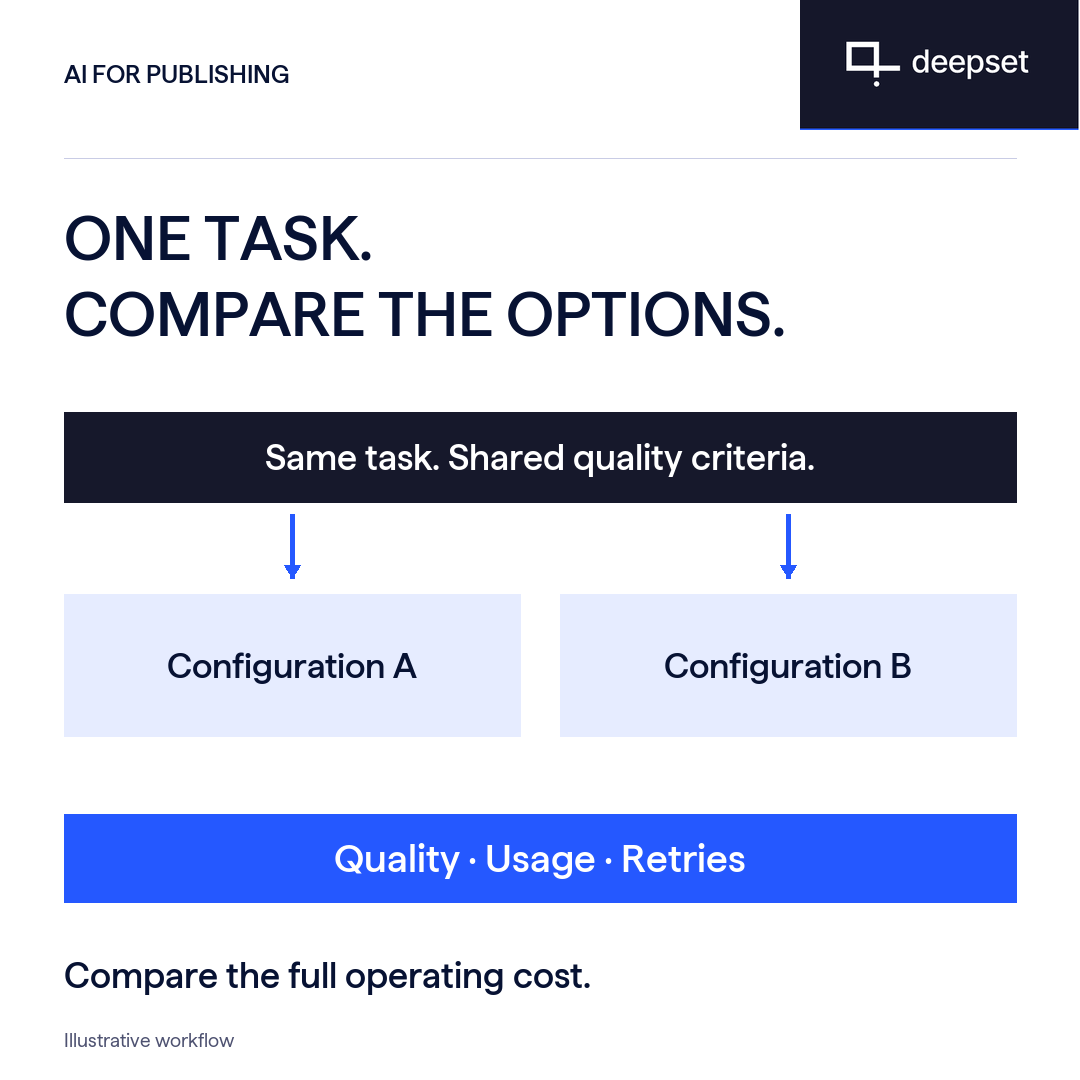
Compare configurations on the same publishing task, against shared quality criteria. Weigh the results alongside usage, retries and operating cost before expanding.
Use representative tasks and the same acceptance criteria. Compare models and workflow configurations against the outputs your team needs.
Review retrieval, model usage, retries, human review and infrastructure costs. Track integration effort separately when assessing the business case.
Inspect the tradeoffs between configurations. Expand when the experience meets the standards your team has set for the task.